Prelaunch offer
A simpler workspace for rental owners
Set up each property and unit, publish clear rental terms and keep its dates accurate. Eligible direct listings and private-owner rentals can use the booking service when it opens; owning an advert alone does not enable bookings.
Bookings are not open yet.
Unit name
Choose the unit’s currency, local time zone, guest capacity and stay limits. Set a nightly rate and any date-specific rates, then define a deposit or full-payment option. Offer a balance due on arrival only if you are prepared to collect and record it.
Calendars
Connect a private Airbnb or Vrbo iCal link, or maintain availability yourself. Imports are not instant and do not synchronise prices or messages. Check both calendars before accepting. Export confirmed WP.ZONE bookings and your own blocked dates without guest contact details.
House rules and booking details
Keep house rules, payment timing and cancellation terms clear before the guest agrees. Changes apply to new quotes; the accepted terms stay with an existing booking. Monitor requests, acceptance, verified payments and arrival balances in one workspace.
Deposit now, balance on arrival
No automatic online charge for a balance due on arrival.
Open the saved booking to see its current status, payments and outstanding rent. A balance due on arrival stays visible and is not automatically charged online. The owner records it when received.
Booking steps
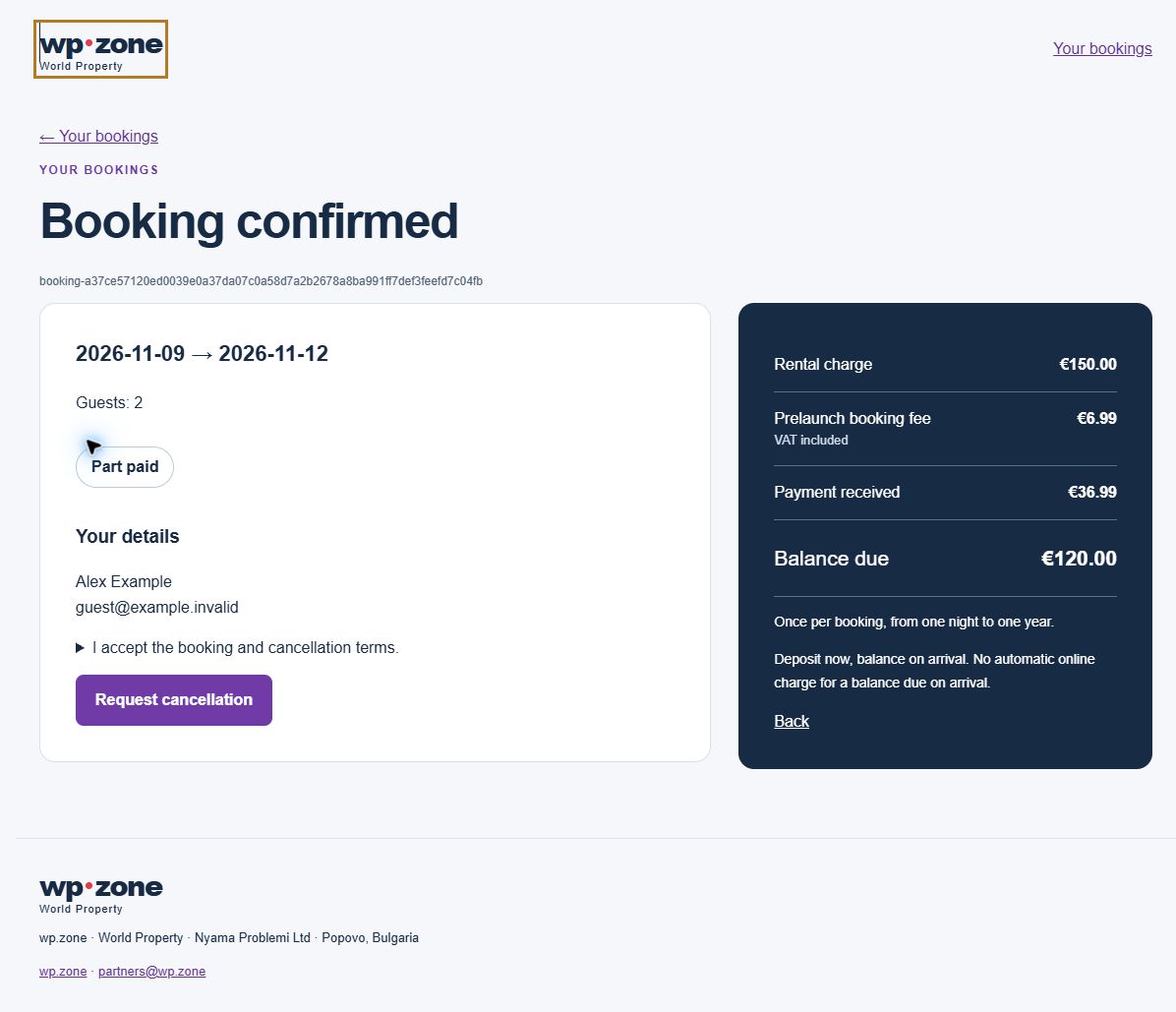
I accept the booking and cancellation terms.
If you cancel, rent already paid and the booking fee are non-refundable. If the supplier cannot fulfil the booking, all amounts paid, including the booking fee, are refunded. Your mandatory legal rights are unaffected.
Which listings qualify?
This offer is for eligible direct-feed and private-owner rental listings.